Your club’s big screen, run from a phone
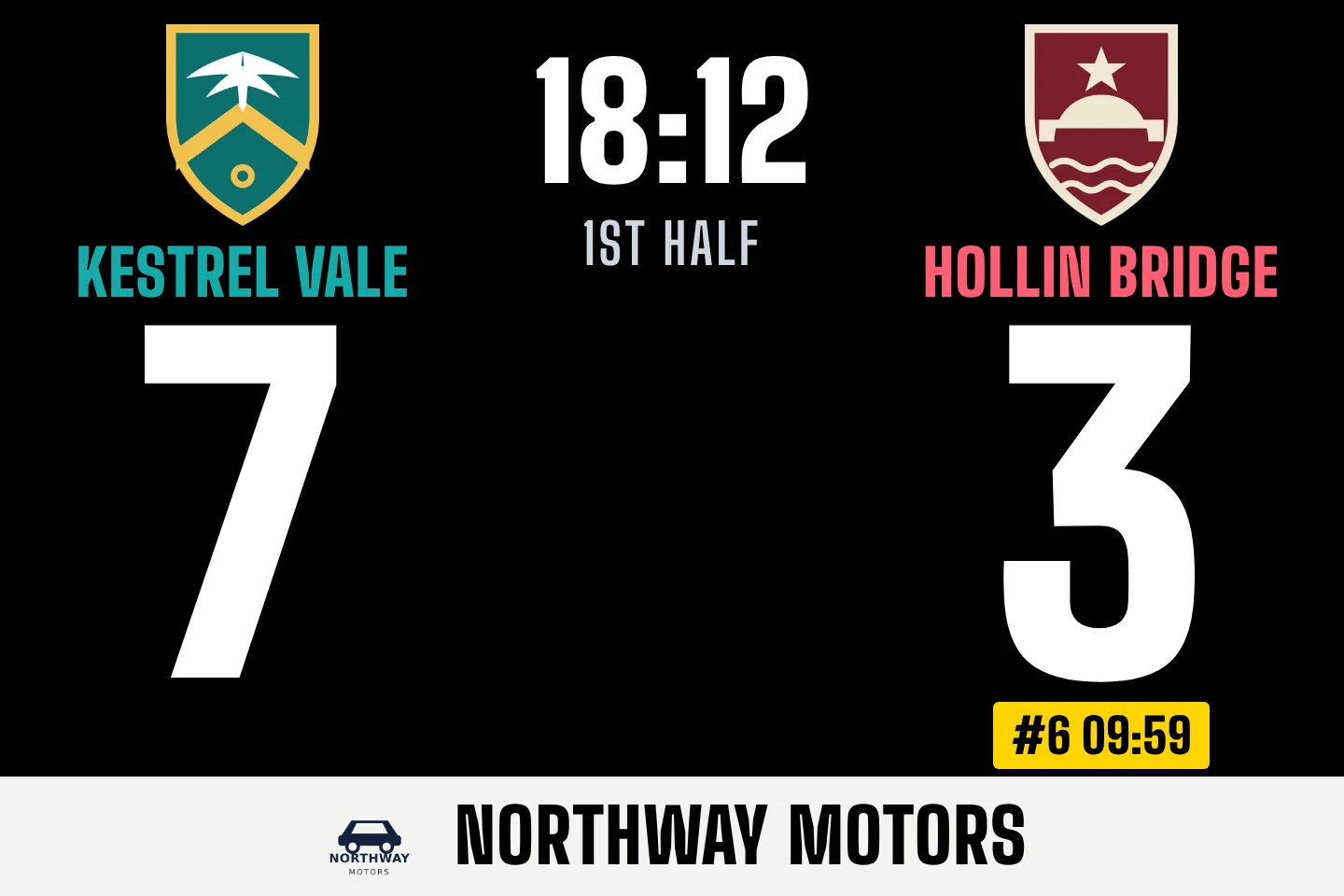
Live scores, try celebrations with the scorer’s photo, sin-bin timers and your sponsors, on the LED screen at the ground or the TV in the clubhouse. A volunteer runs it all from their phone, with nothing to install.
Matchday in three steps
Do the setting up once, in your own time. On the day there’s almost nothing to it, so whoever’s free can run the screen.
Before the season
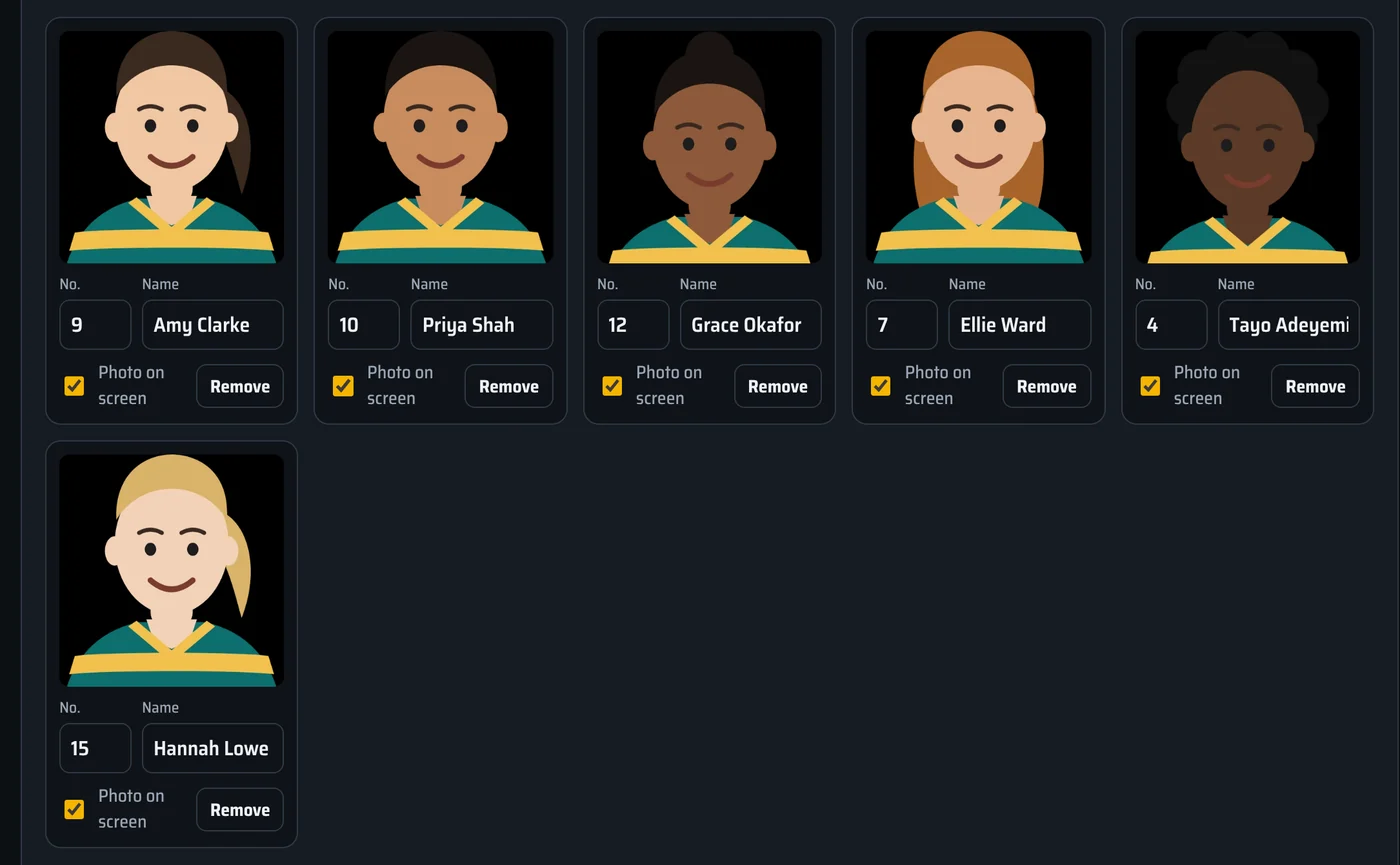
Add your squads, drag in the players’ photos and upload your sponsors’ logos. Opponents from your league are added once, with their crests and colours. It all happens on a laptop, in a page called Studio.
Before kick-off
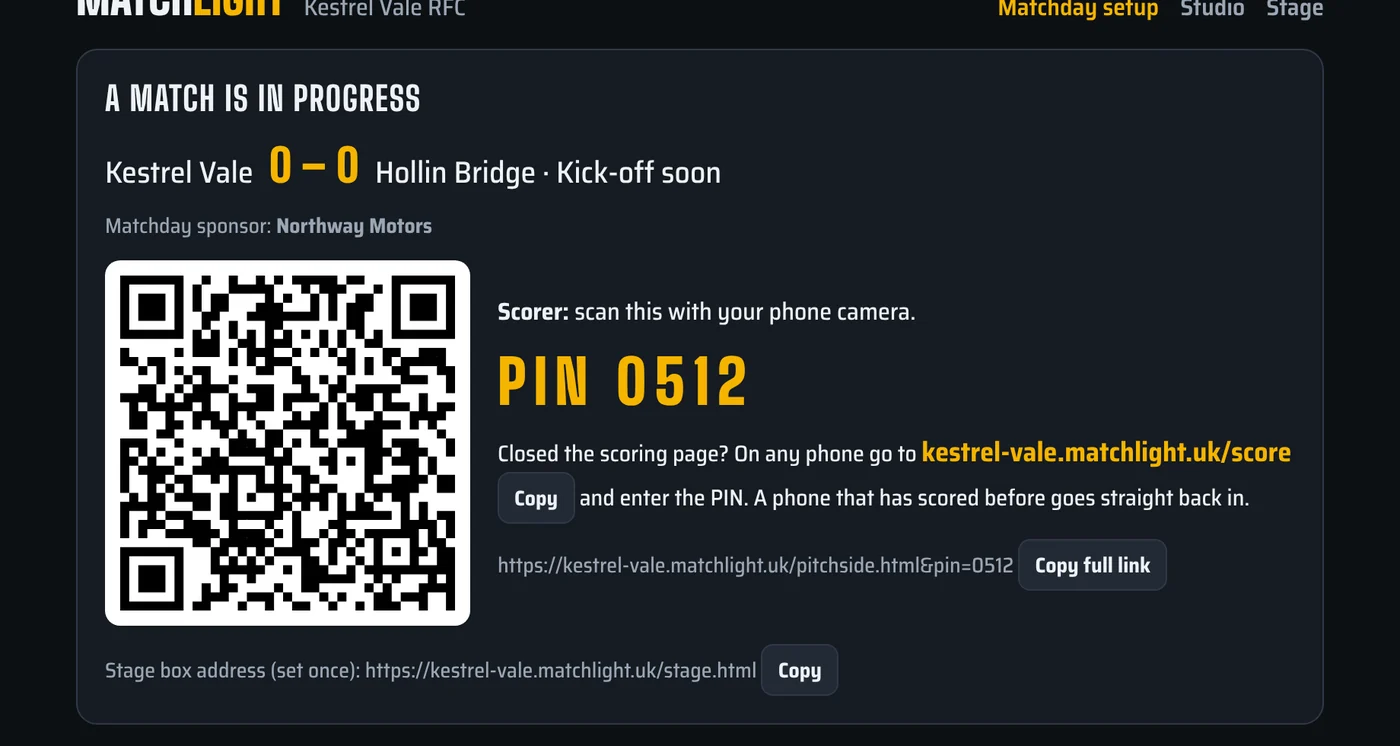
Pick the team and the opponent, and choose a match day sponsor if you have one. Press Start, and the page shows a QR code and a 4-digit PIN for the scorer.
During the match
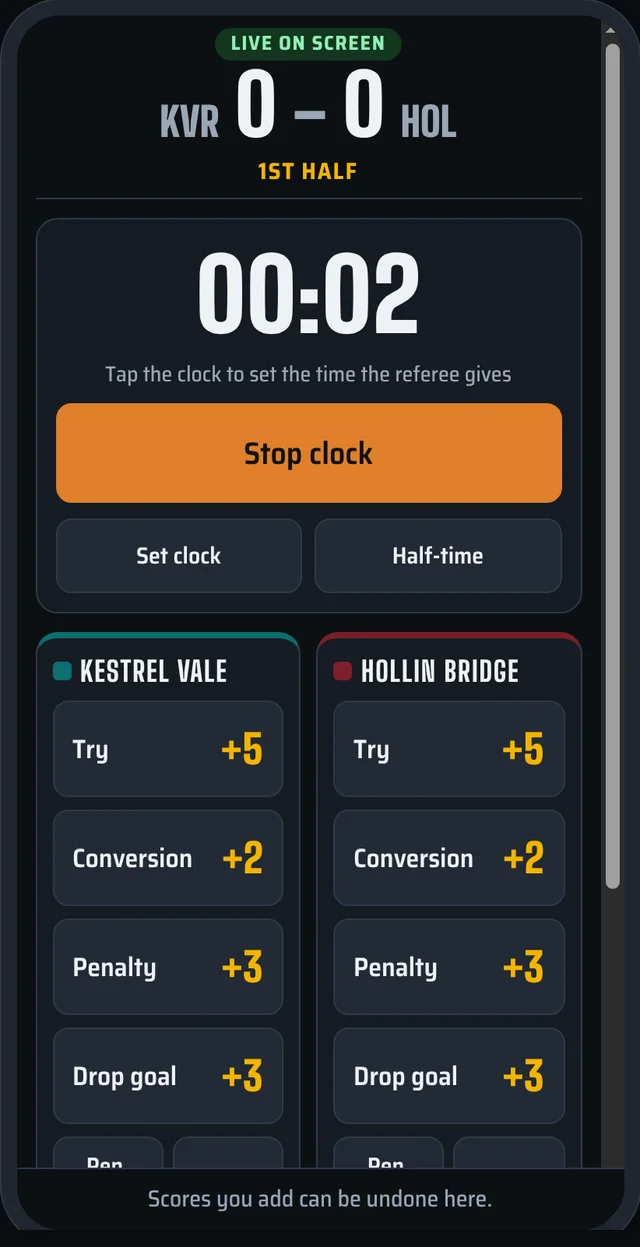
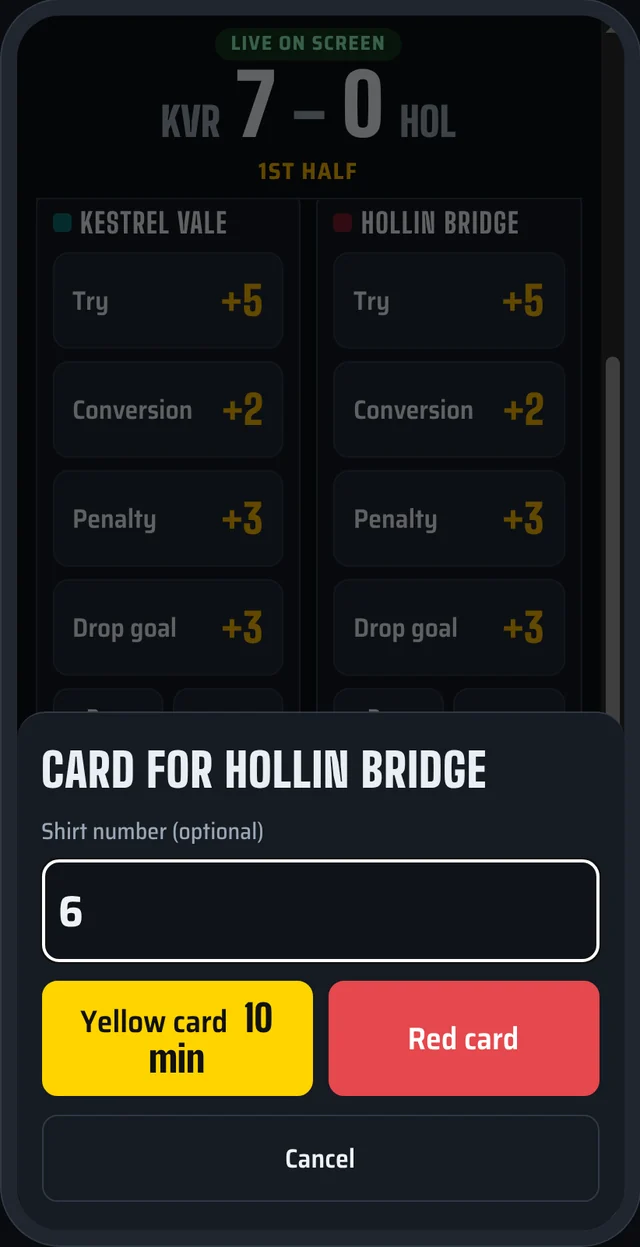
The scorer scans the code and taps the score as the referee gives it. The screen updates straight away, keeps the clock and counts down any yellow cards.
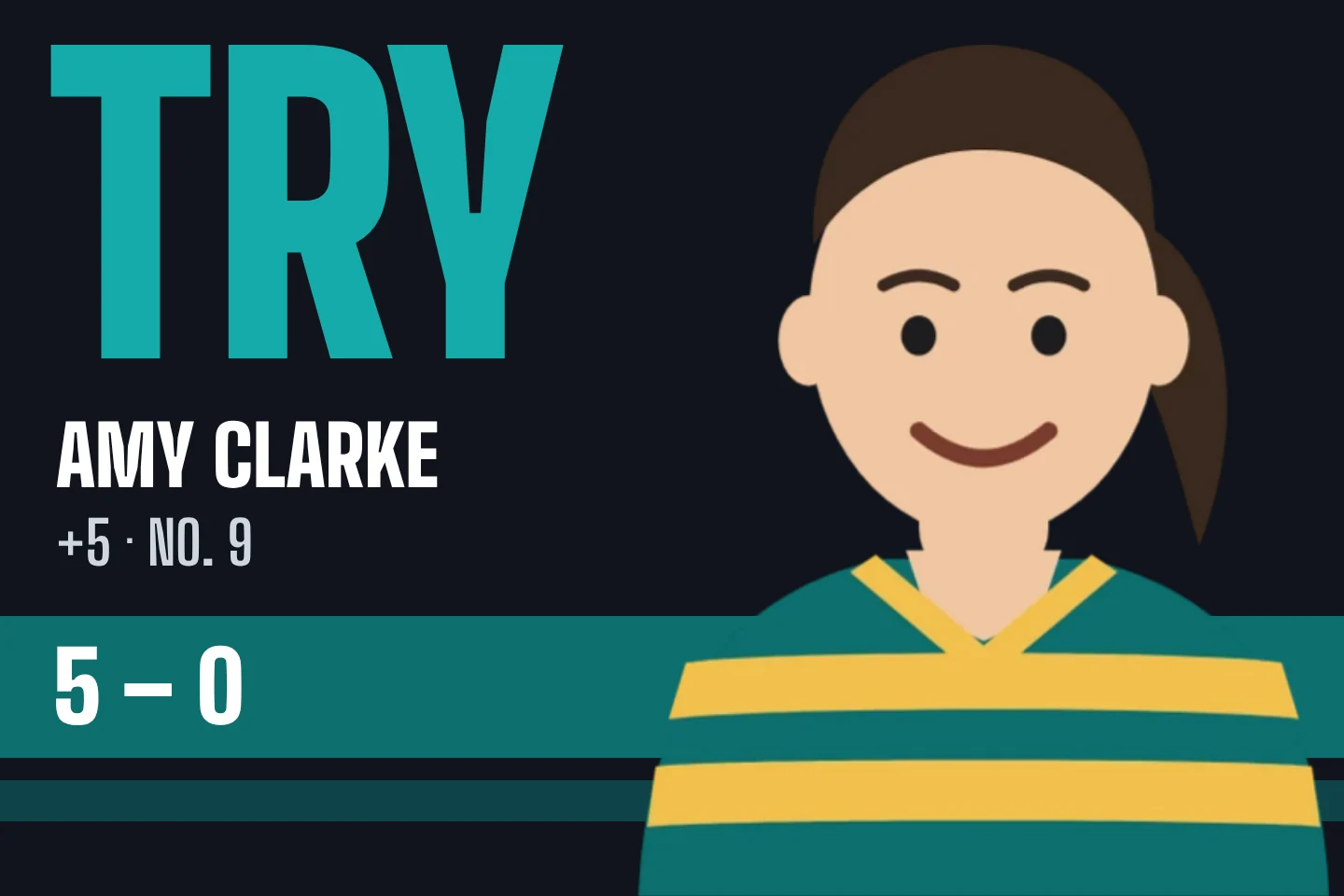
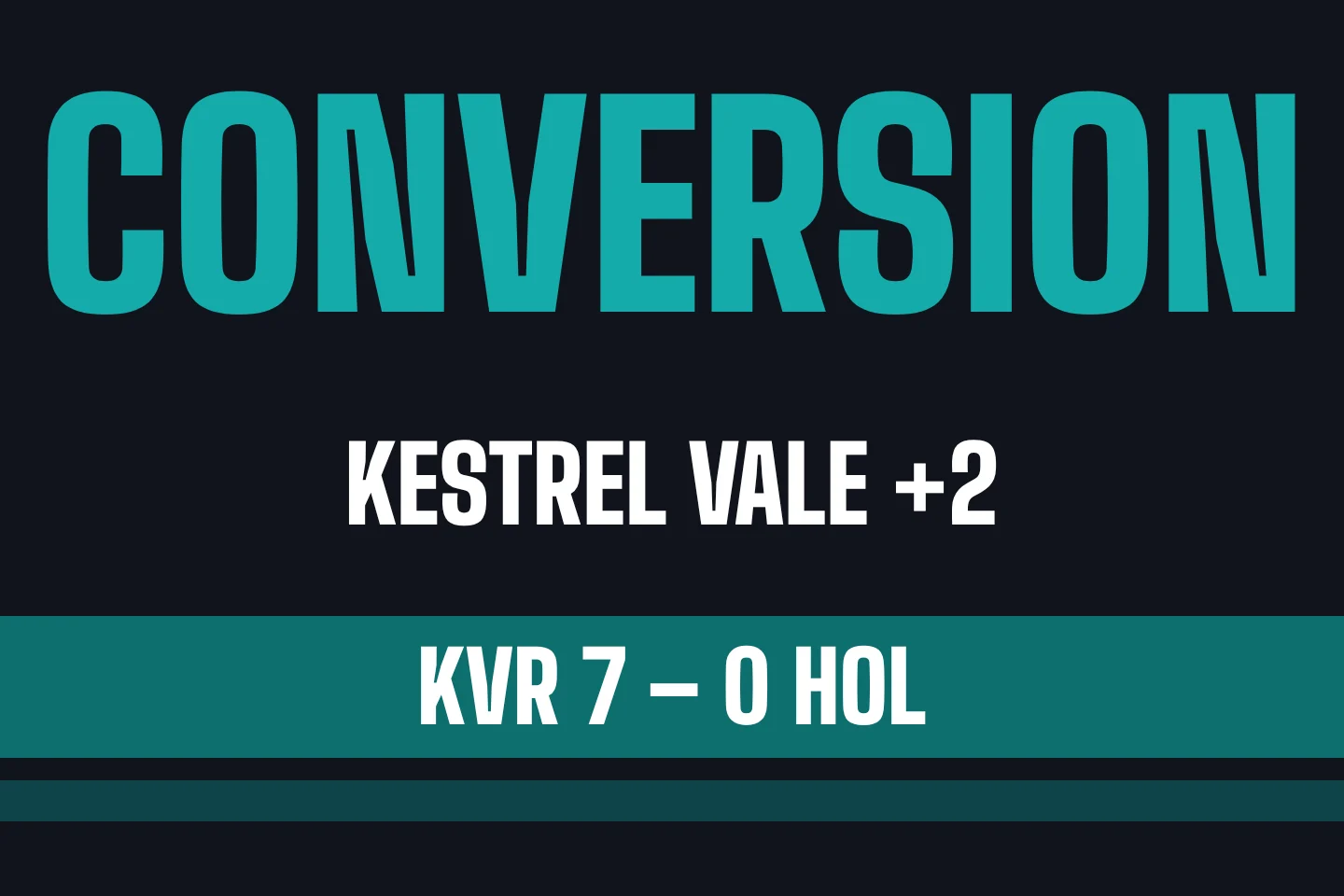
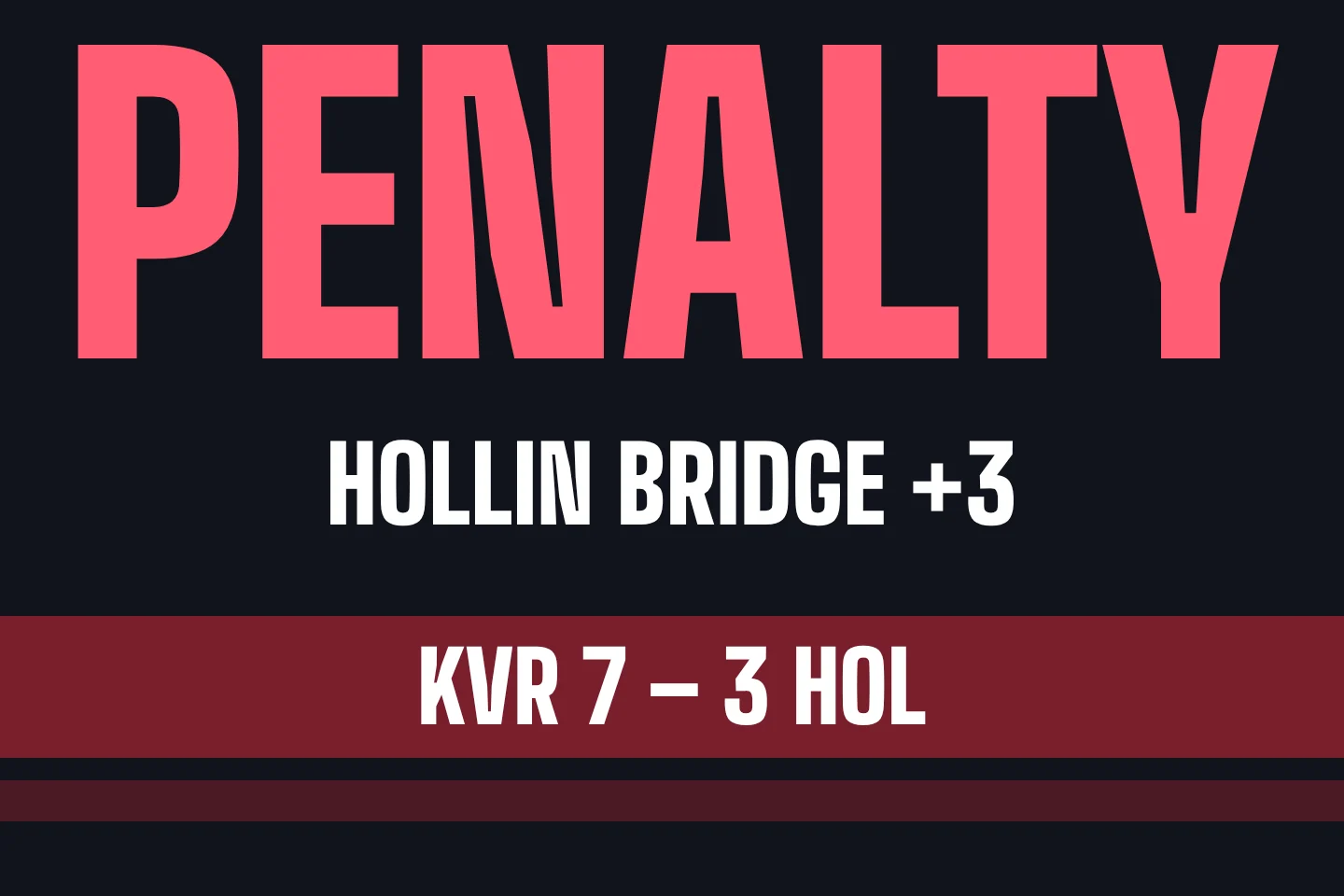
Every score gets its moment
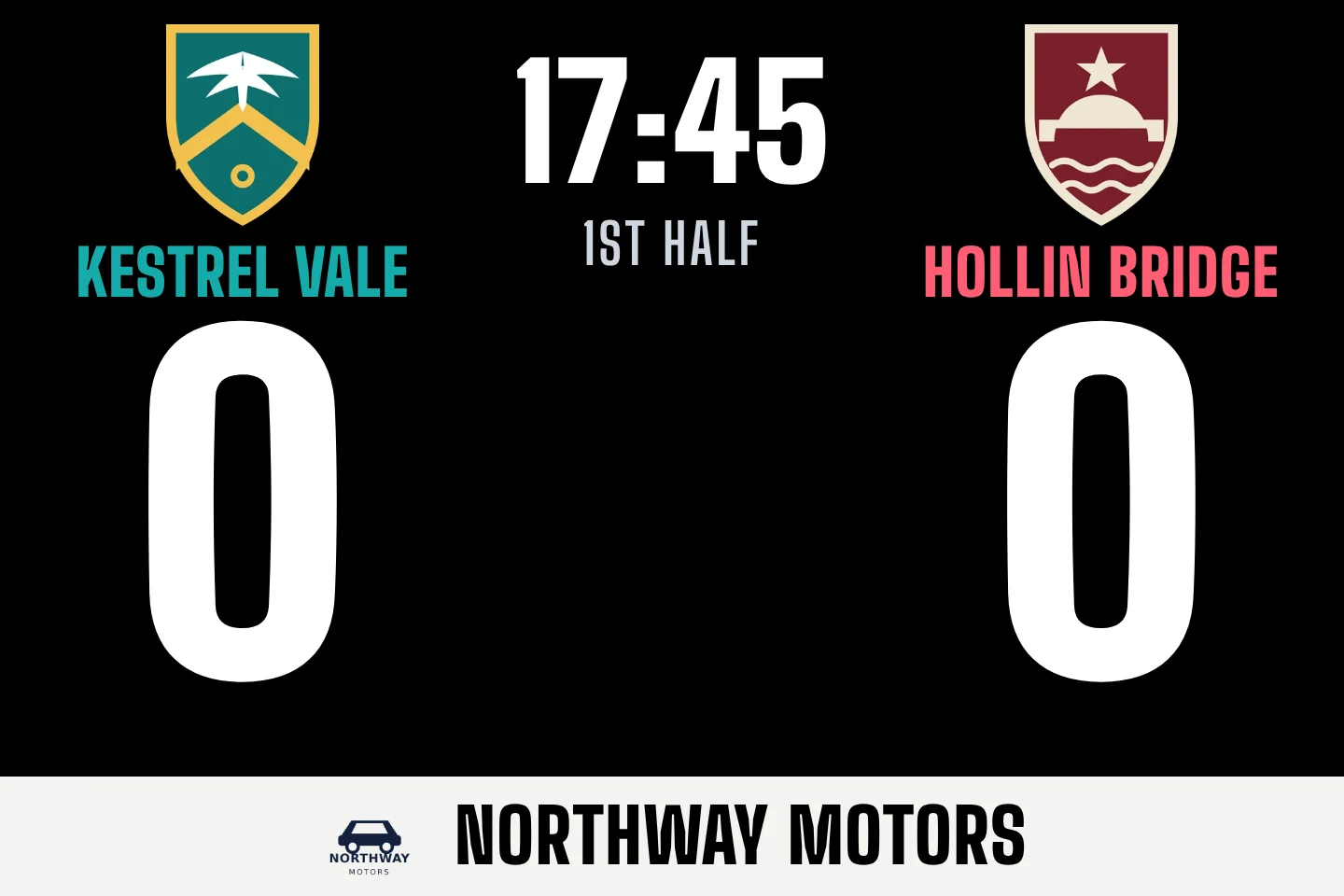
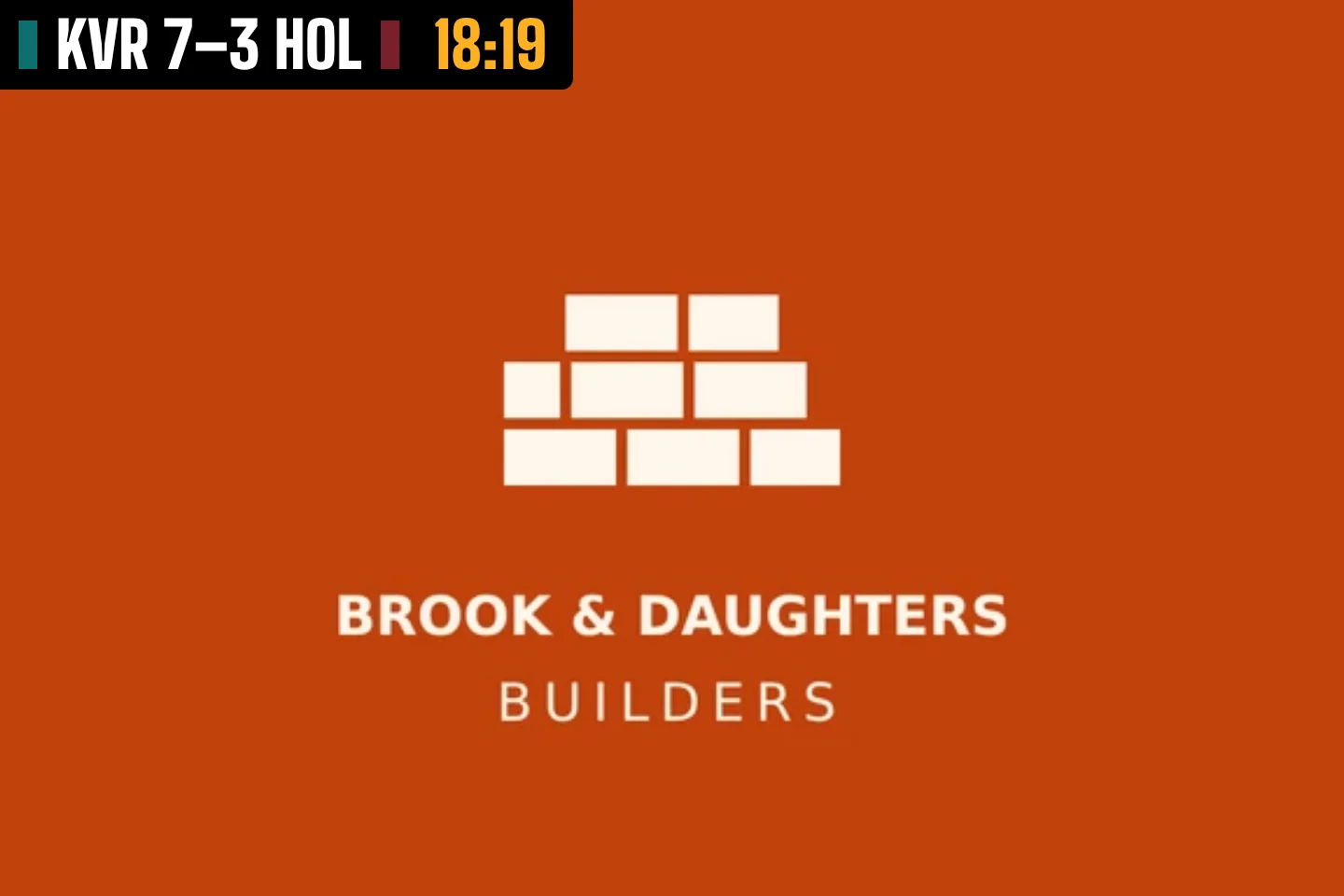
Scores don’t just tick over. Each one fills the screen for a few seconds, in the scoring side’s colours, so the whole ground knows what happened.
Have a go
This is the real thing. Score a few points on the phone and watch the screen. Start with Kick-off, then Try.
Easy for whoever’s scoring
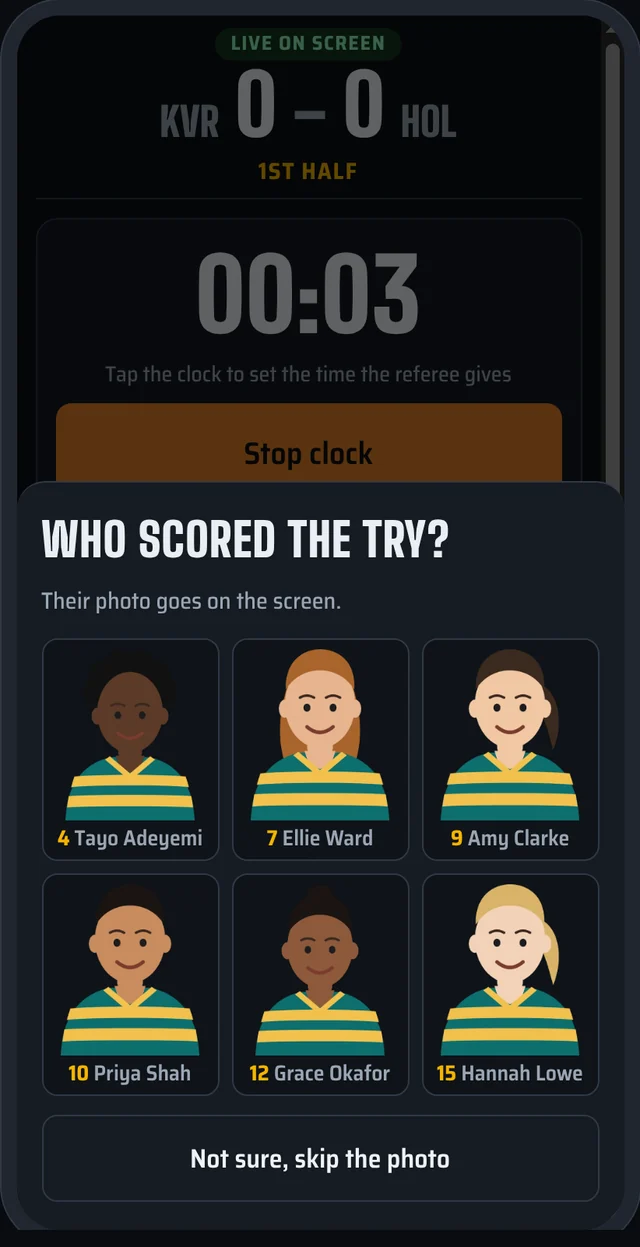
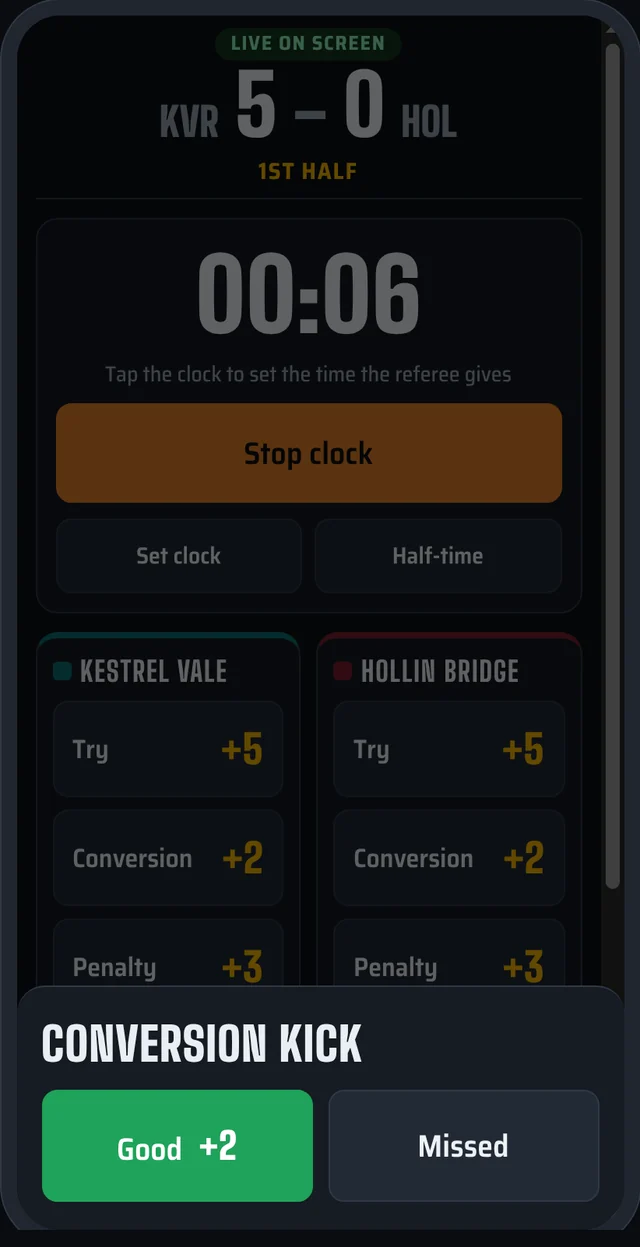
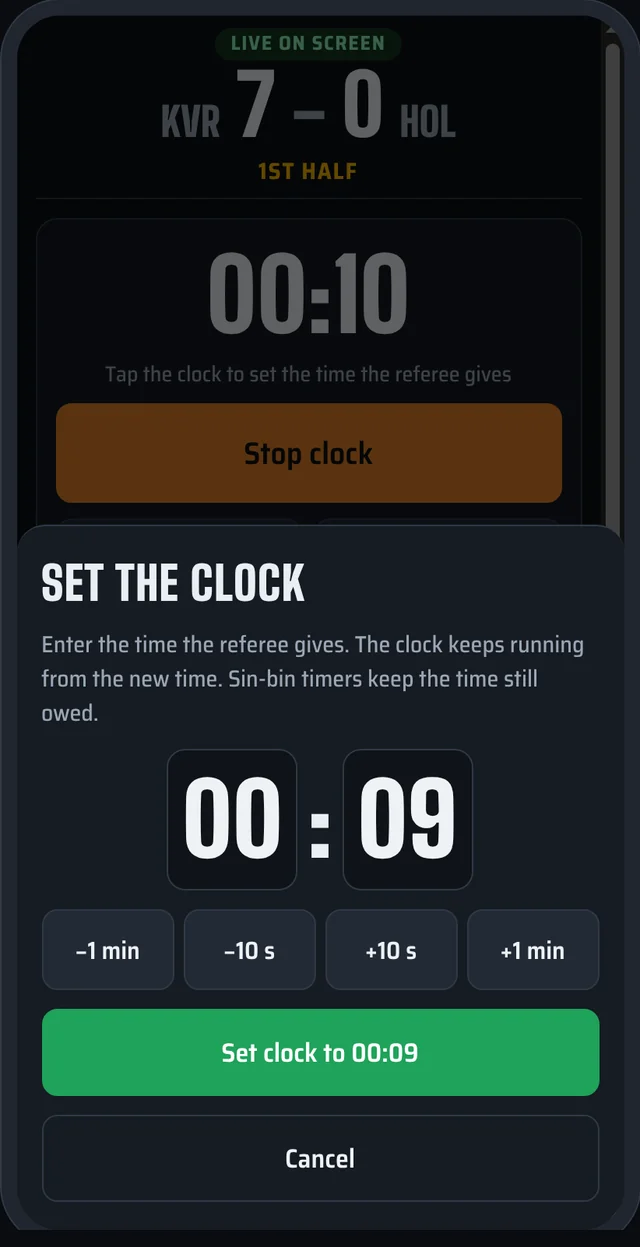
At most clubs it’s a different volunteer every week, often someone who’s never done it before. Matchlight is built for them.
Nothing to install
It runs in the phone’s web browser. Scan the QR code and you’re scoring.
Mistakes undo
Tapped the wrong team? One tap takes the last score back off the screen.
Picks up where it left off
If the phone locks or the browser closes, open it again and it goes straight back to the match.
Hand over any time
Someone else can take over on their own phone with the match’s 4-digit PIN.
Big, bold buttons
Made for cold hands in the rain, with nothing small to aim at.
A guide the first time
New scorers get a short how-to the first time they open it, and never again after that.
Give sponsors something to see
A screen is something new to offer local businesses, and Matchlight gives you several ways to sell it.
A logo strip, all match
Sponsors take turns along the bottom of the scoreboard, in their own colours.
Full screen at breaks
One tap shows the sponsors full screen, with the score kept in the corner.
Today’s match day sponsor
Choose a sponsor for the day and they appear in every other slot, labelled as the match day sponsor.
Half-time videos
Upload short adverts or club news, and the scorer plays them from the phone at half-time.
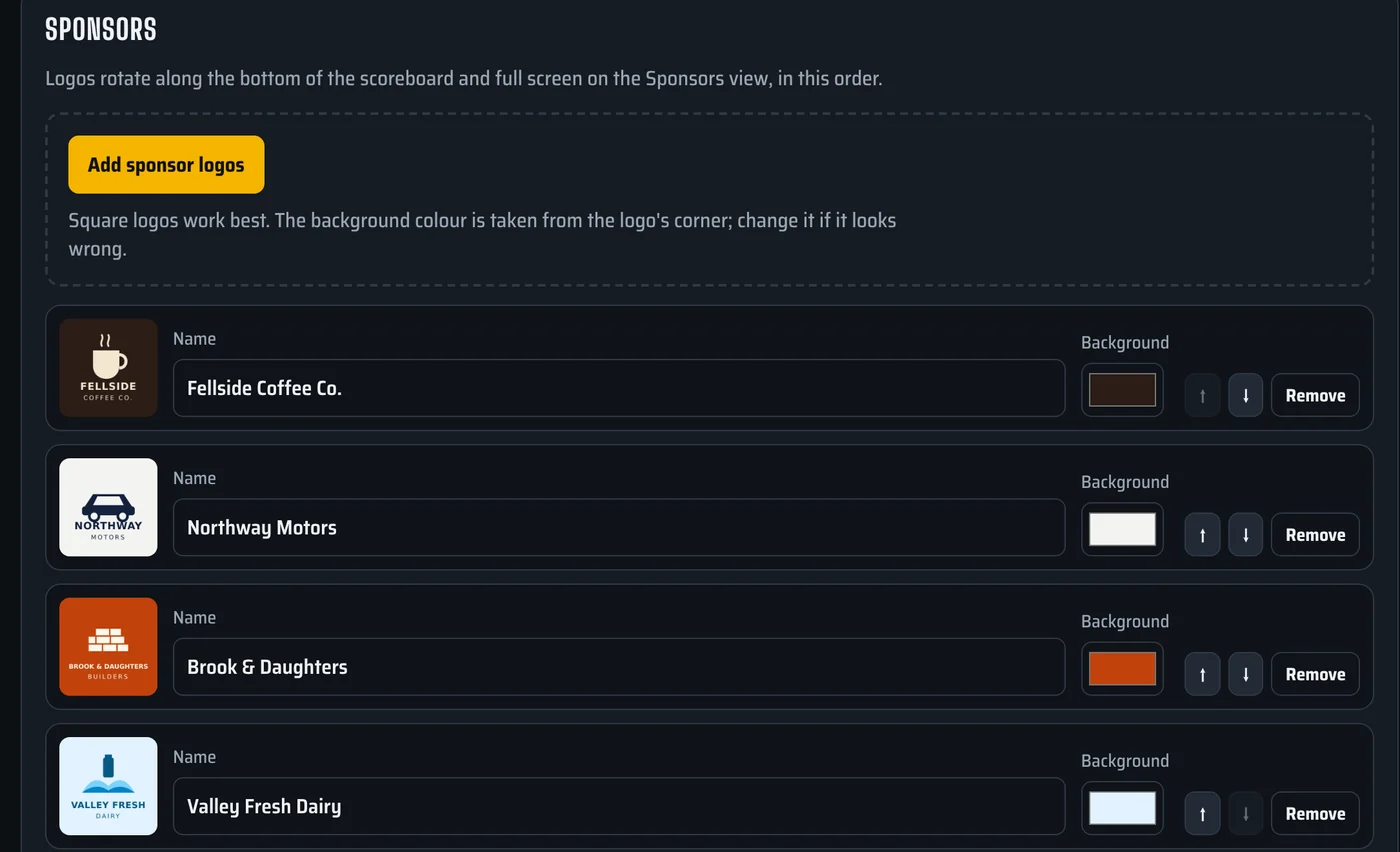
Change the line-up in Studio and it’s on the screen straight away.
What you need
Matchlight is the software. Most clubs already have, or are buying, the rest.
A screen
An outdoor LED screen at the pitch, or simply a TV in the clubhouse. Anything that takes HDMI works.
LED screens and TVs
A small computer
Something with a web browser, plugged into the screen. A mini PC behind the screen is ideal, and can be set to start up on its own when the power comes on.
Mini PC, laptop or similar
Internet
Clubhouse Wi-Fi, or a 4G or 5G router at the screen. It uses very little data. The scorer uses their own phone signal.
Wi-Fi or a mobile router
Not sure what you’ve got will work? Tell us about it when you register and we’ll help you check.
One plan, everything in
No add-ons and no counting players. Your club gets the whole thing.
Matchlight for your club
- Every team at your club, with as many players as you like
- Live scores, the clock and sin-bin timers
- Try celebrations with player photos
- Sponsor strip, full-screen sponsors and a match day sponsor
- Half-time promo videos
- Your league’s clubs, crests and colours ready to pick
- Your club’s own web address for scoring, setup and Studio
- New features as they’re added
Founding clubs
We’re opening Matchlight to a small group of founding clubs first. Register your interest and we’ll be in touch with pricing and next steps.
Questions clubs ask
Do we need an LED screen?
No. Matchlight shows on anything with an HDMI input, so a TV in the clubhouse or bar works well, and so does a projector. An outdoor LED screen at the pitch is the full experience.
What happens if the internet drops?
The screen keeps showing the score and the clock keeps running. The scorer’s phone reconnects by itself as soon as it has signal again, and the screen catches up with anything scored in the meantime.
Can more than one person score?
Yes. Anyone with the match’s 4-digit PIN can score from their own phone, so you can swap scorers at half-time or have a backup ready.
Which sports does it work for?
Rugby union today, for men’s, women’s and junior teams. Rugby league, sevens and football are planned. Tell us your sport when you register.
What about players’ photos, especially juniors?
Your club decides whose photos go in, and each player can be shown with or without their photo. A player with no photo still gets the celebration, just without the picture.
How long does it take to set up?
An afternoon to add your squads, photos and sponsors in Studio. After that, starting a match takes a couple of minutes.
Do we have to install anything?
No. Everything runs in a web browser: Studio on a laptop, scoring on a phone, and the screen on the computer plugged into it.
Bring Matchlight to your club
Tell us a little about your club and your screen. We’ll get back to you about pricing, trying it out and getting set up.